OpenClaw Skill Research: what early adopters are doing with personal AI
A field study of the personal-AI skill marketplace: the five capability clusters early adopters actually use, and what that demand signals for the enterprise.
The personal AI assistant landscape is rapidly evolving, offering valuable insights for business applications. While OpenClaw focuses on personal related tasks, understanding consumer preferences for agentic AI reveals patterns that translate directly to workplace environments. Although the space has just recently gained momentum I think its important to capture what early adopters are doing with personal agents and spot how trends evolve as new use cases are discovered and refined.
Important Note:
As of today, the Clawdhub skill marketplace is still considered unsafe and contains hundreds of malware plugins. This is not an endorsement of the skills or the marketplace but rather a study of what users are demanding and how we can leverage that demand in business.
TL;DRR
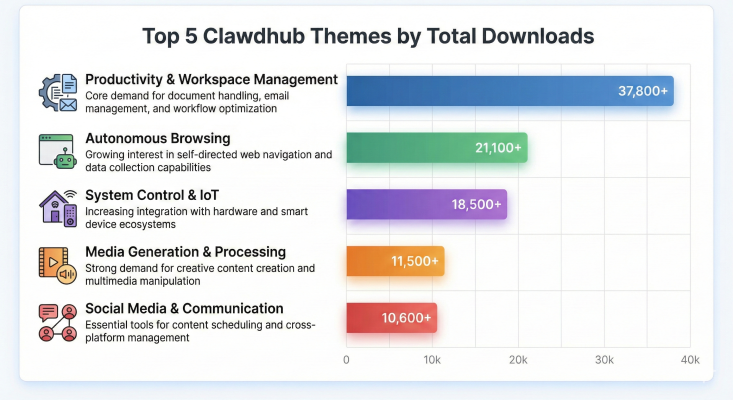
- Productivity & Workspace Management - Core demand for document handling, email management, and workflow optimization
- Autonomous Browsing - Growing interest in self-directed web navigation and data collection capabilities
- System Control & IoT - Increasing integration with hardware and smart device ecosystems
- Media Generation & Processing - Strong demand for creative content creation and multimedia manipulation
- Social Media & Communication - Essential tools for content scheduling and cross-platform management
Personal AI preferences increasingly focus on small tasks that involve communication and day preparation. Emerging patterns where AI connects to the physical world are becoming popular but still a security concern.
1. Productivity & Workspace Management
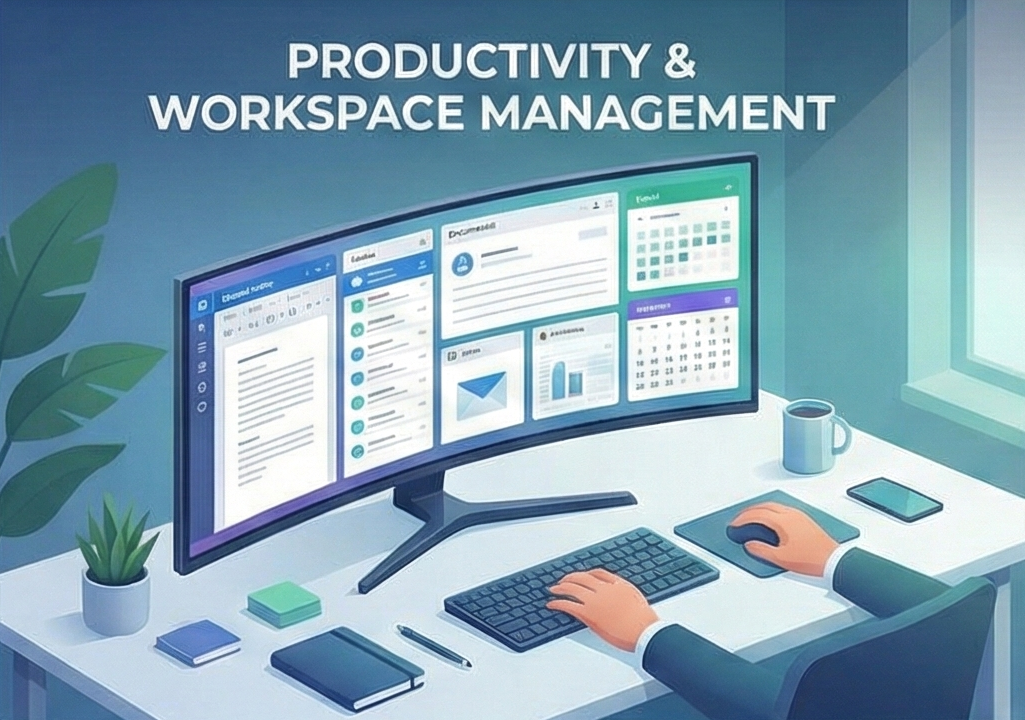
Tools for managing documents, notes, emails, and daily workflows.
- Gog: Full Google Workspace CLI (Gmail, Calendar, Drive, Docs).
- Summarize: Instant summaries of URLs, PDFs, images, and audio.
- Obsidian / Notion: Integration with popular knowledge bases and note-taking apps.
- Himalaya / Gmail: CLI-based email management and automation.
2. Autonomous Browsing
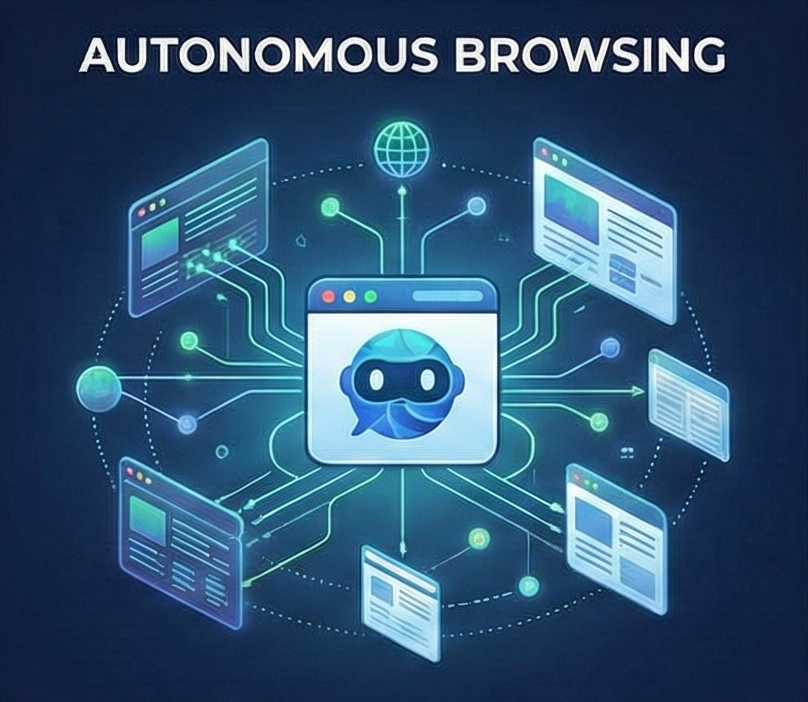
Utilities that allow AI to navigate the web, scrape data, and self-correct.
- Self-improving-agent: Captures errors and learnings to improve future performance.
- Agent Browser: Headless browser automation for navigating, clicking, and typing.
- Firecrawl: Advanced web scraping and crawling capabilities.
- Browser Use: Cloud-based browser sessions for autonomous tasks.
3. System Control & IoT
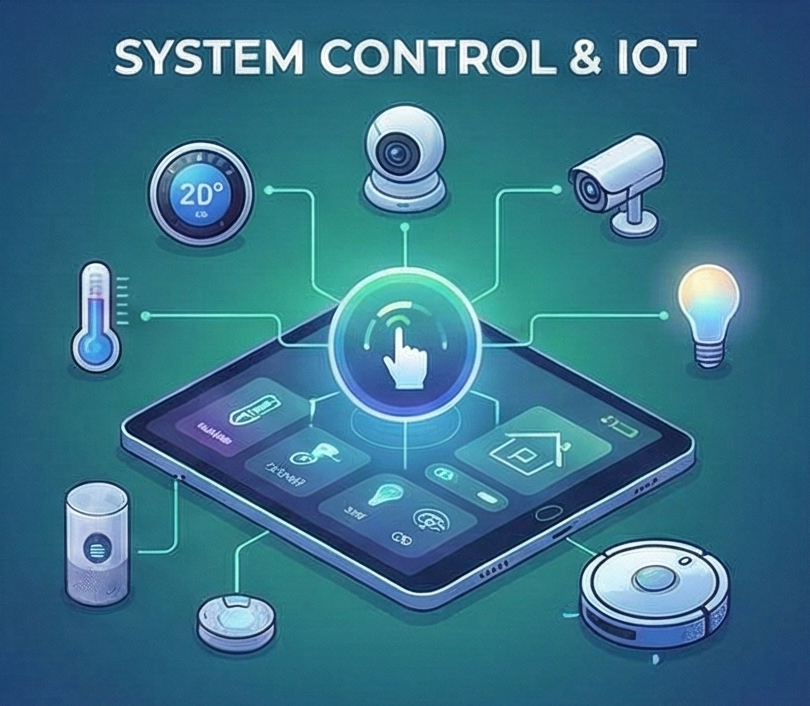
Direct control over hardware, smart home devices, and operating systems.
- Sonoscli: Control Sonos speakers (play, volume, grouping).
- Openhue: Manage Philips Hue lighting and scenes.
- Desktop Control / Peekaboo: Automate mouse, keyboard, and UI interactions (macOS/Windows).
- Auto-Updater: Keeps Clawdbot and installed skills up to date.
4. Media Generation & Processing
Creation and manipulation of images, video, and audio.
- Nano Banana Pro: High-fidelity image generation and editing.
- Whisper: Local and API-based speech-to-text transcription.
- Video Frames / Remotion: Extracting frames and programmatic video creation.
- Video Transcript Downloader: Fetches media and transcripts from YouTube.
5. Social Media & Communication
Tools for reading, posting, and scheduling content across platforms.
- Bird: CLI for X (Twitter) reading, searching, and posting.
- Reddit: Browse, search, and moderate subreddits.
- Postiz: Schedule posts across 28+ social channels.
- Telegram: Build bot workflows and command-driven conversations.